Universal Camera & Gallery Scanner
Point your camera or pick any saved image from your gallery. Immediately inspect the decoded text, copy, share, or search on your favorite search engine.
Scan Them All - 2D & Barcodes is the fast, modern, privacy-first toolkit for Android. Decode 13+ 2D & 1D formats instantly, generate 20+ code types, decorate branded QR codes, read NFC tags, and scan documents—with zero mandatory login.
Try scanning our app icon above—it's a real, live QR code!
Powered by ultra-fast machine learning barcode recognition from your camera or photo gallery.
Designed for speed, clarity, and complete control over your codes.
Point your camera or pick any saved image from your gallery. Immediately inspect the decoded text, copy, share, or search on your favorite search engine.
Personalize QR codes with custom colors, eye shapes, dot patterns, ready-made templates, custom header text, and embedded center logos.
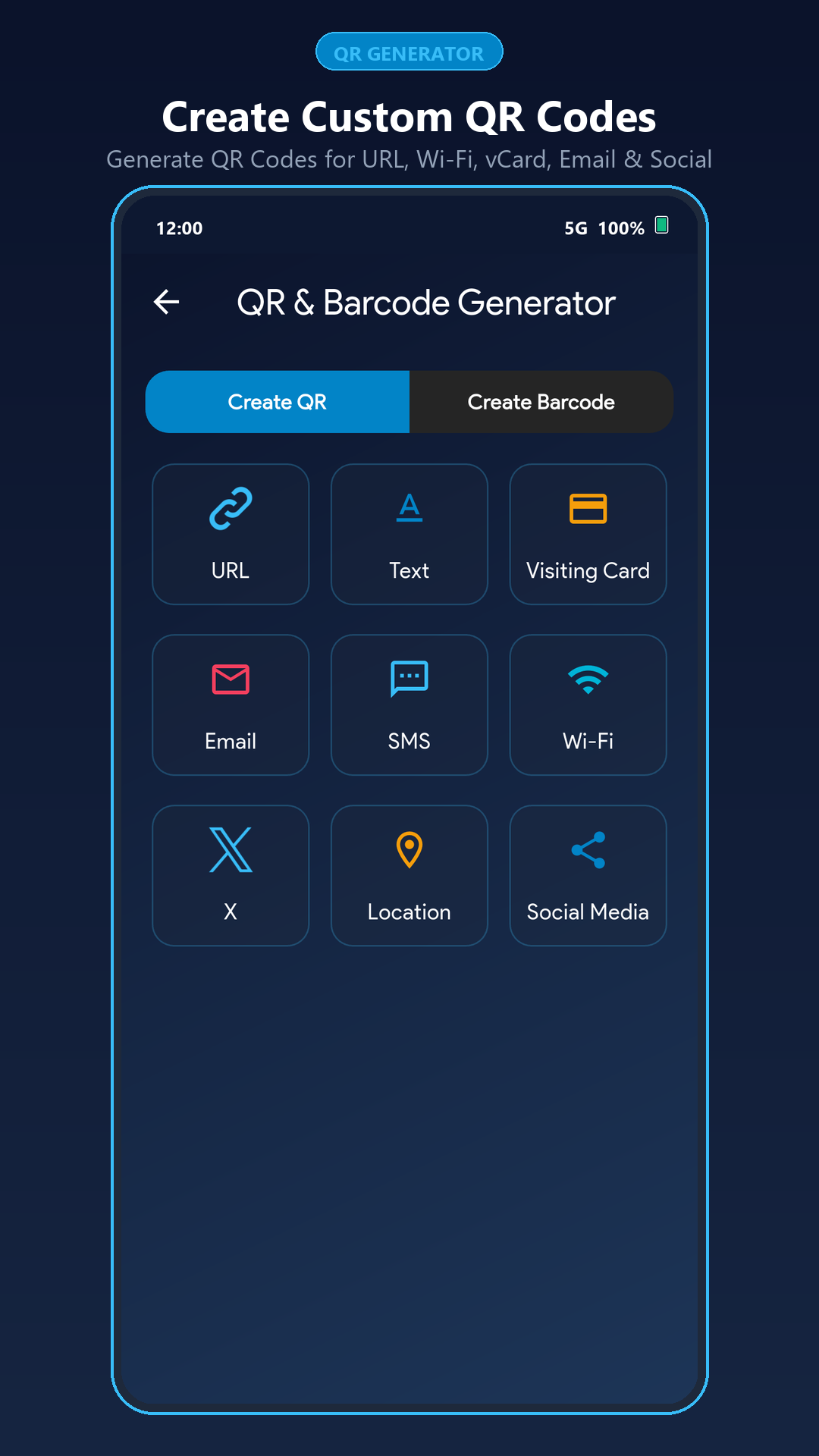
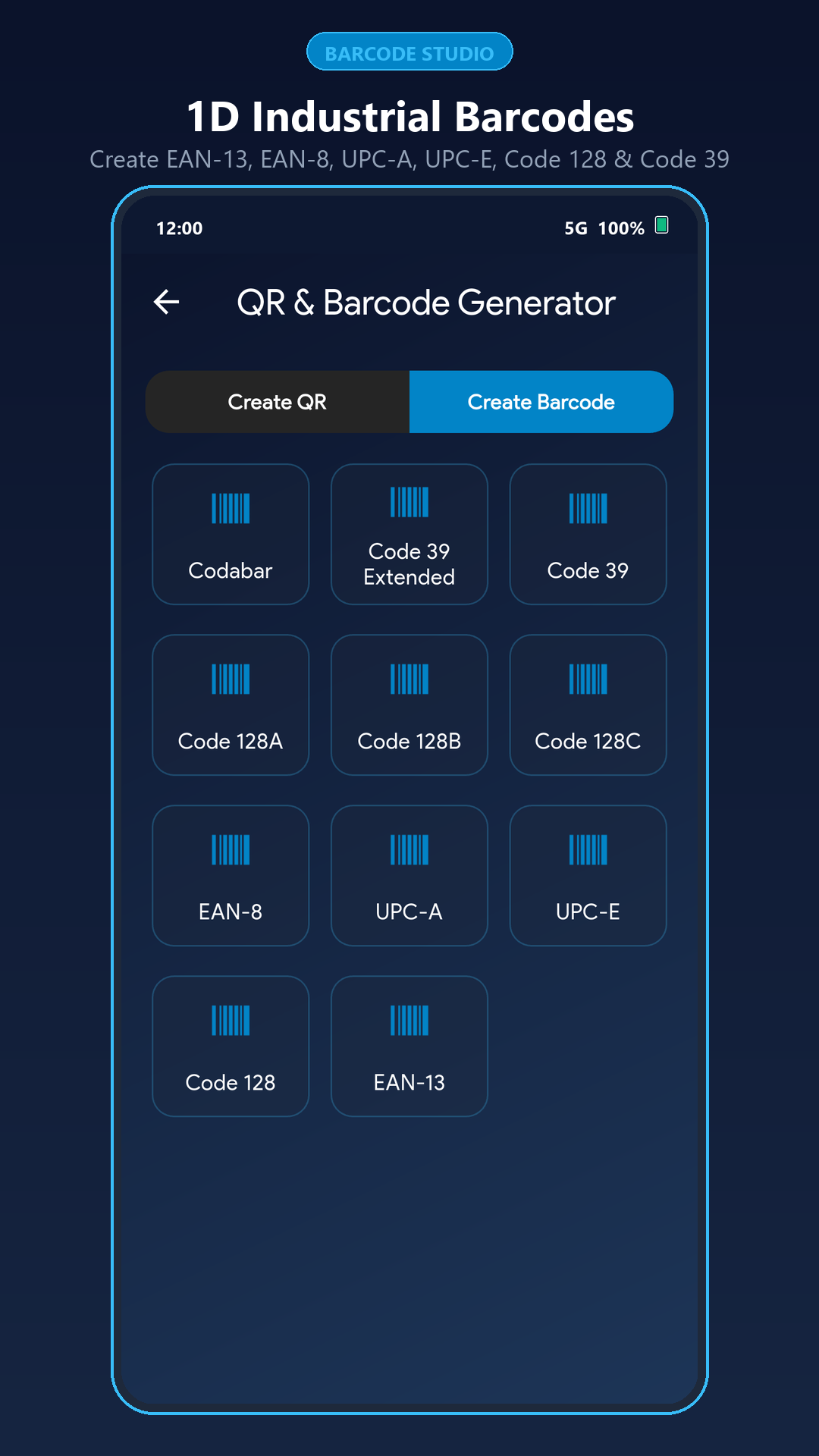
Generate QR codes for URLs, Wi-Fi, Visiting Cards (vCard), Email, SMS, Locations & Social Media, plus 11 validated retail and industrial 1D barcodes.
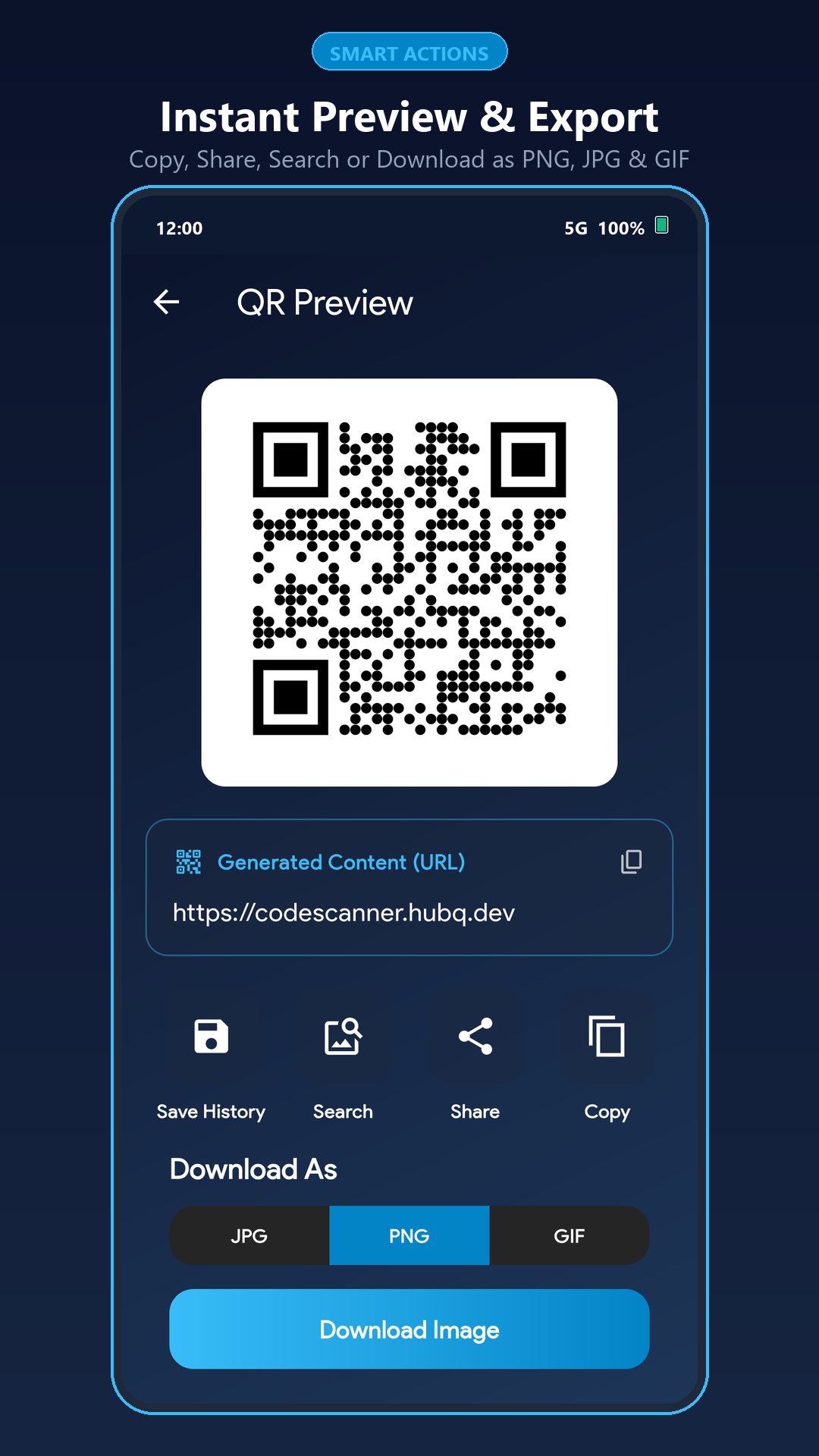
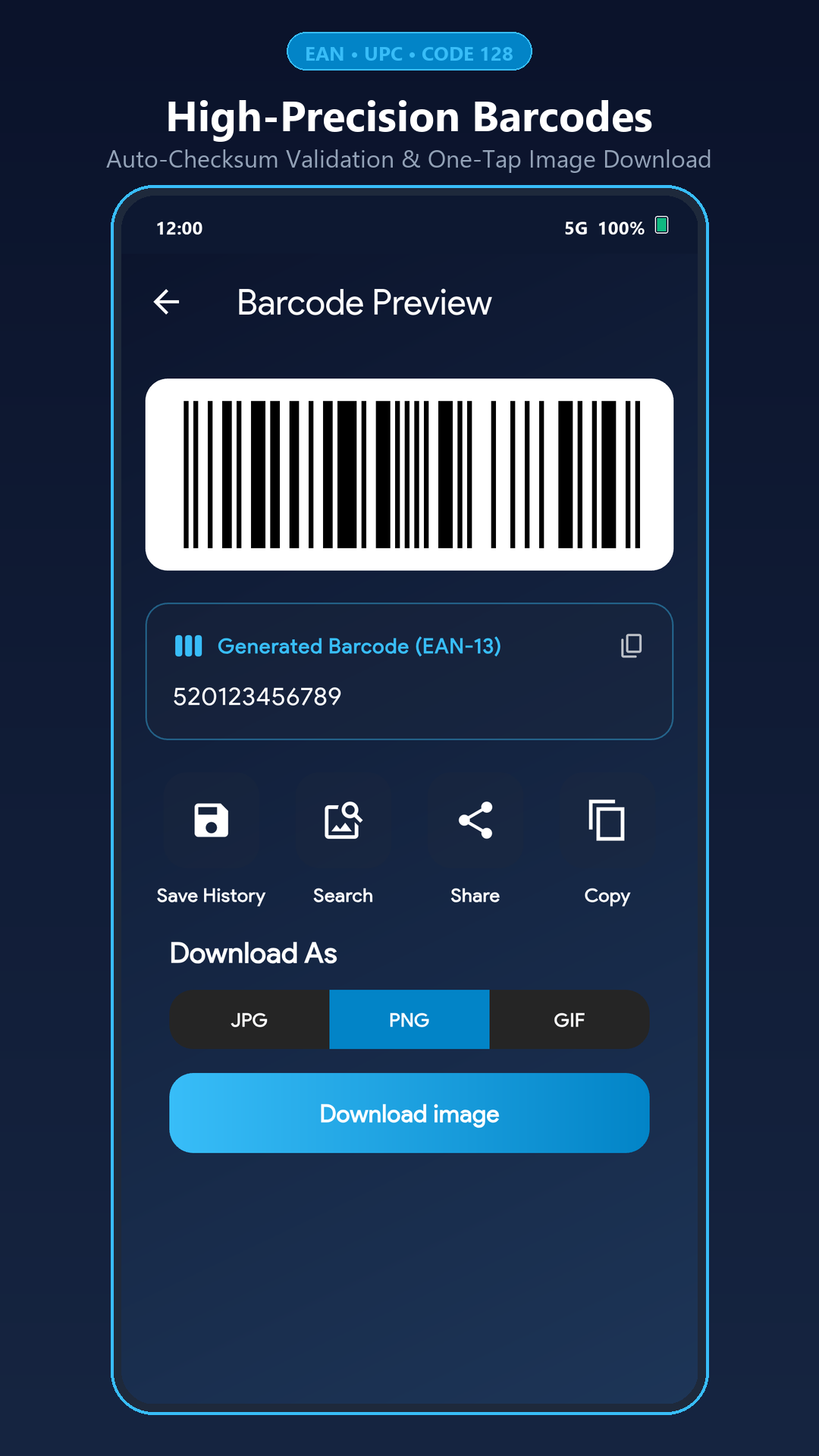
Download any scanned or generated QR code and barcode directly to your device filesystem in crisp PNG, JPG, or GIF format, or share with one tap.
Read and write NDEF data on compatible NFC cards and tags, or scan multi-page physical documents with automatic edge detection and perspective cropping.
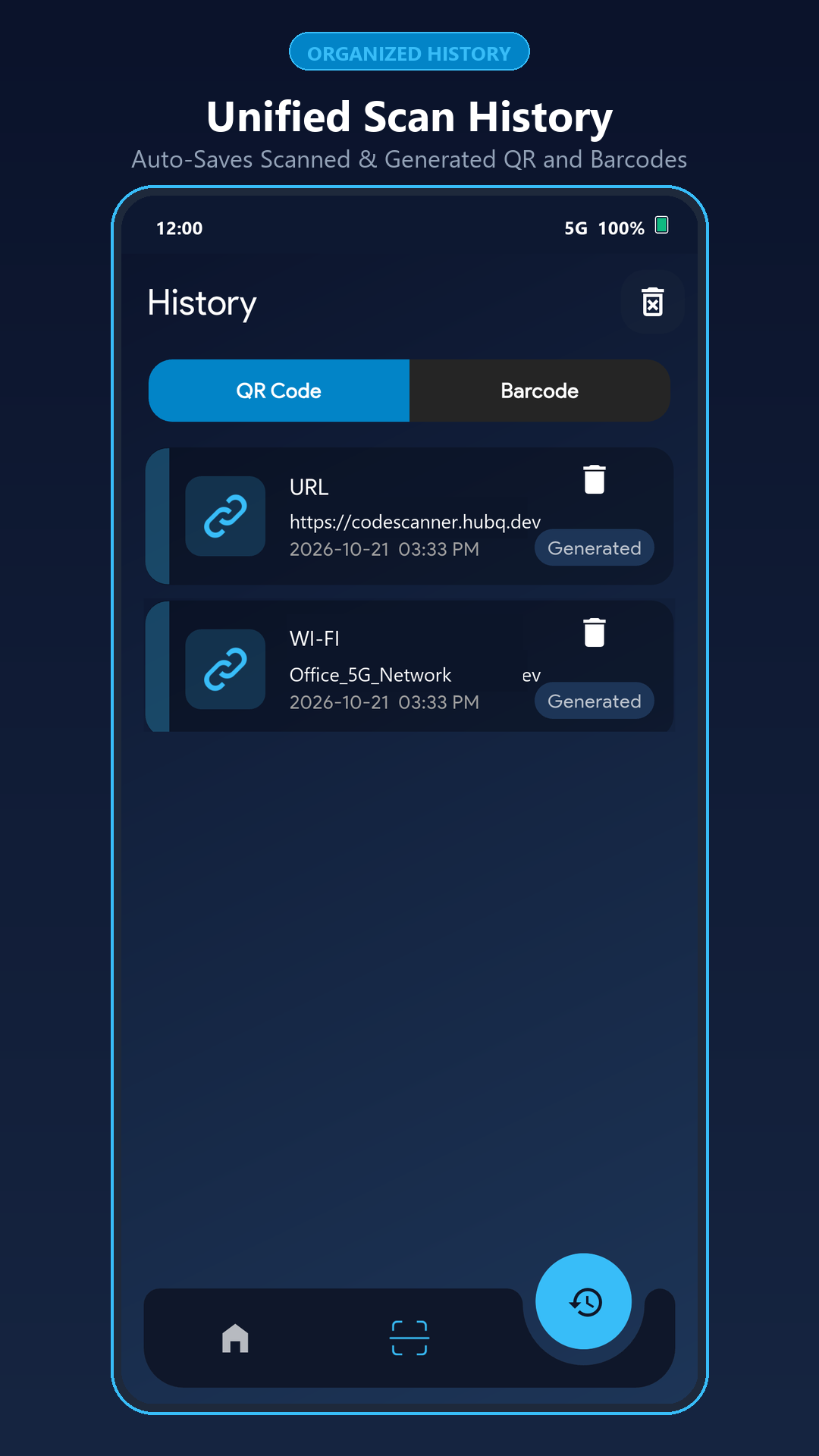
No mandatory sign-in or cloud tracking. Auto-save your scan and generation history locally on your phone, ordered newest-first for instant access.
Built for effortless everyday use with instant readability.
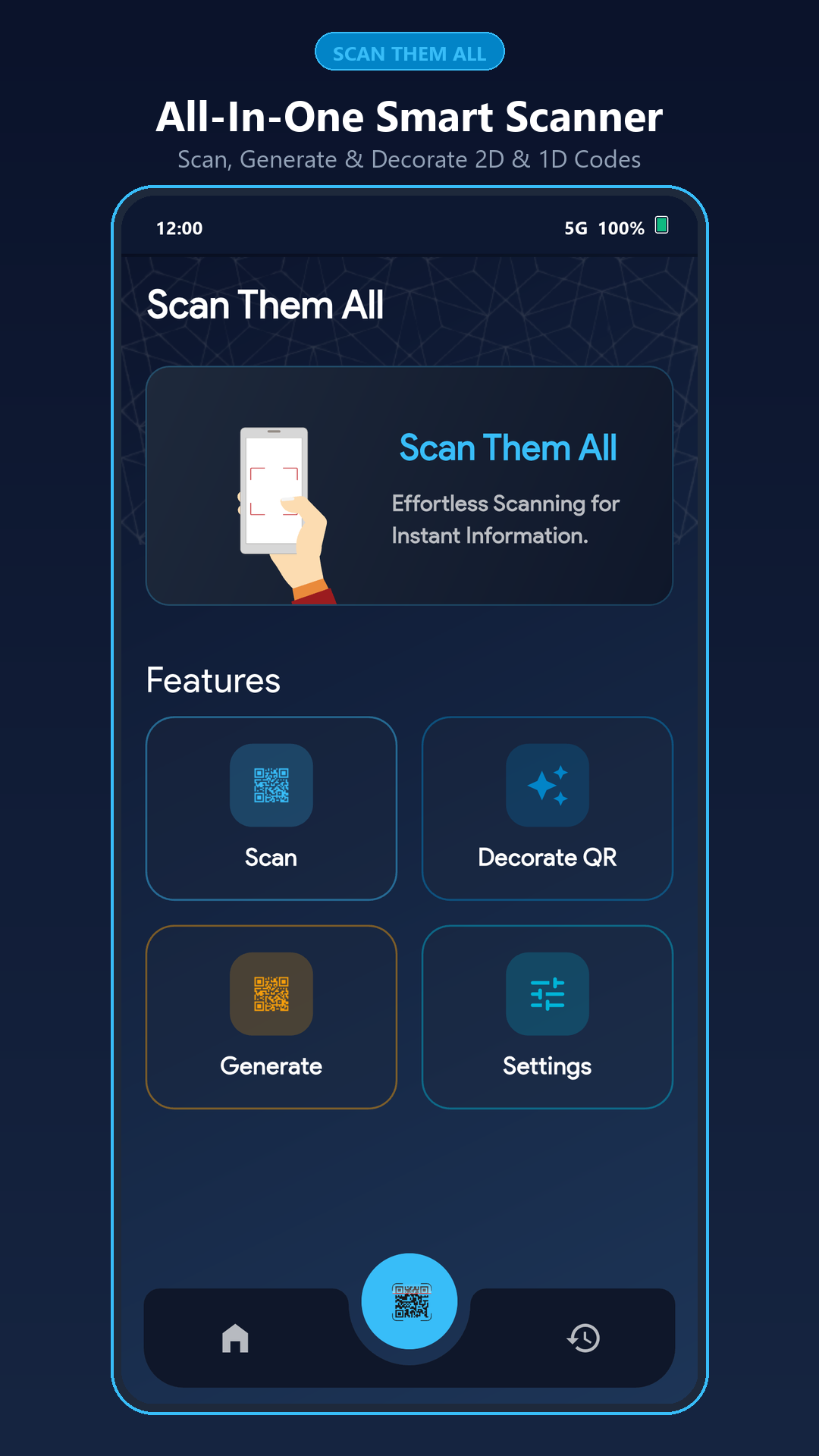
Quick answers about supported barcode formats, customization, and privacy.
Scan Them All decodes QR Codes, Aztec, Data Matrix, PDF417, EAN-13, EAN-8, UPC-A, UPC-E, Code 128 (A/B/C), Code 39, Code 39 Extended, Code 93, Codabar, and ITF (Interleaved 2 of 5) from both your live camera and gallery images.
Yes. Every scanned or generated code can be downloaded directly to your device as a lossless PNG (preselected for maximum crispness), JPG, or GIF file, or shared directly to any app.
Yes. Auto-save history is stored 100% locally on your device. No account, login, or cloud upload is required.